The Magic of this, call(), apply(), and bind() in JavaScript
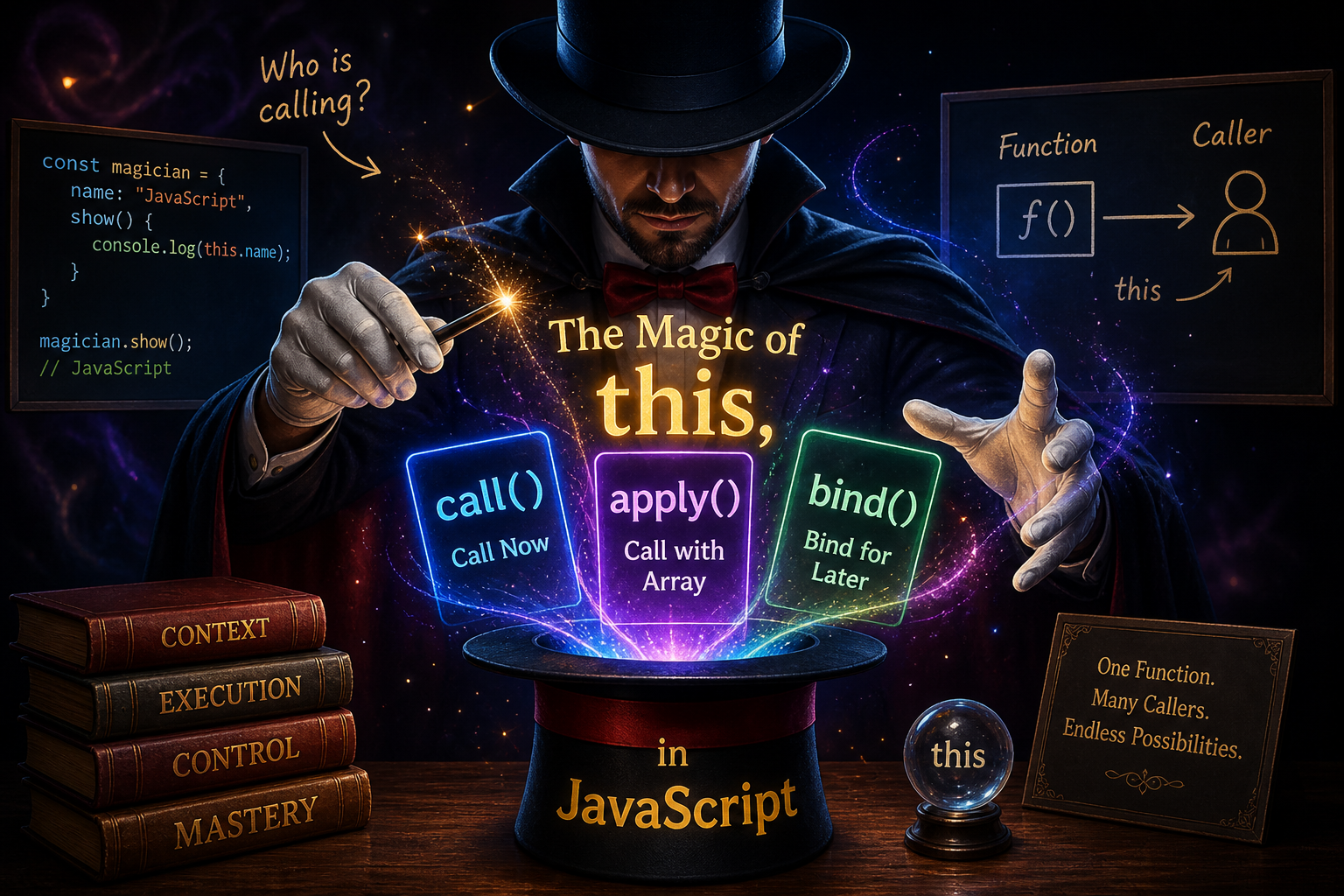
JavaScript is not just about writing functions — it's about controlling how and where those functions execute.
And at the center of that control lies one deceptively small keyword:
this
If you truly understand this, along with call(), apply(), and bind(), you unlock a level of flexibility that separates average developers from those who write scalable, reusable, and business-grade JavaScript.
This guide walks you through that journey — from intuition to mastery — without drowning you in unnecessary theory.
What this Really Means (Think: “Who is calling?”)
The simplest and most powerful way to understand this:
thisrefers to the object that is calling the function.
Not where the function is written. Not where it's defined. But who is calling it at runtime.
Visualizing the Core Idea


this Inside a Normal Function
function show() {
  console.log(this);
}

show();
Output (in browser):
window
Why?
Because the function is called directly, not by any object.
So:
Caller = global object →
this = window
this Inside an Object
const user = {
  name: "Chitta",
  showName: function () {
    console.log(this.name);
  }
};

user.showName();
Output:
Chitta
Why?
Because:
Caller =
user→this = user
Key Insight
Same function. Different caller. Different this.
That’s the entire game.
Enter the Power Tools: call(), apply(), bind()
Now imagine this:
You have a function. But you want to control who calls it.
That’s where these three come in.
call() — Direct Control
call() allows you to manually set this and immediately execute the function.
function greet(city) {
  console.log(`Hi, I am \({this.name} from \){city}`);
}

const user1 = { name: "Chitta" };

greet.call(user1, "Kolkata");
Output:
Hi, I am Chitta from Kolkata
What happened?
You forced
this = user1You passed arguments normally
apply() — Same Power, Different Input Style
apply() works exactly like call(), but:
It accepts arguments as an array
greet.apply(user1, ["Kolkata"]);
Same output. Same behavior.
bind() — Control Without Execution
bind() is different.
It does NOT call the function immediately
Instead, it returns a new function with this permanently set.
const boundGreet = greet.bind(user1, "Kolkata");

boundGreet();
Output:
Hi, I am Chitta from Kolkata
Visual Comparison


Side-by-Side Comparison Table
| Feature | call() | apply() | bind() |
|---|---|---|---|
| Executes? | Yes (immediately) | Yes (immediately) | No (returns function) |
| Arguments | Comma-separated | Array | Comma-separated (optional) |
| Returns | Result of function | Result of function | New function |
| Use Case | Direct execution | Dynamic argument arrays | Reusable function / callbacks |
Real-World Thinking (Important)
In real projects:
call()→ quick execution with controlled contextapply()→ useful when arguments come as arraysbind()→ essential for:event handlers
callbacks
async logic
React class methods
Method Borrowing — A Powerful Pattern
This is where things get interesting.
const person1 = {
  name: "Chitta",
  greet() {
    console.log(`Hello ${this.name}`);
  }
};

const person2 = {
  name: "Rahul"
};

// Borrow method
person1.greet.call(person2);
Output:
Hello Rahul
You didn’t copy the function. You just changed who is calling it.
Using apply() with Arrays (Practical Case)
const numbers = [10, 20, 5, 40];

const max = Math.max.apply(null, numbers);

console.log(max);
Output:
40
Why this works:
Math.maxexpects comma-separated valuesapply()converts array → arguments
bind() in Real Systems
Imagine a delayed execution:
const user = {
  name: "Chitta",
  greet() {
    console.log(this.name);
  }
};

setTimeout(user.greet, 1000);
Problem:
undefined
Because:
Caller =
window, notuser
Fix:
setTimeout(user.greet.bind(user), 1000);
Now:
Chitta
Execution Flow Visualization


Assignment (Practice Like a Pro)
Try this yourself:
Step 1: Create Object
const car = {
  brand: "Tesla",
  show() {
    console.log(this.brand);
  }
};
Step 2: Borrow Method
const bike = { brand: "Yamaha" };

car.show.call(bike);
Step 3: Use apply()
function intro(city, country) {
  console.log(`\({this.name} from \){city}, ${country}`);
}

intro.apply({ name: "Chitta" }, ["Kolkata", "India"]);
Step 4: Use bind()
const fn = intro.bind({ name: "Chitta" }, "Kolkata", "India");

fn();
Advanced Insight (Senior-Level Thinking)
At scale, this is not just syntax — it's control over execution context.
Why this matters in real systems:
Writing reusable utility functions
Sharing logic across objects
Avoiding duplication
Controlling behavior in async flows
Building frameworks (React, Express internals)
Business-Level Perspective
In large applications:
bind()prevents bugs in UI interactionscall()enables dynamic service executionapply()simplifies data-driven operations
Poor understanding of this leads to:
unpredictable bugs
broken callbacks
inconsistent state handling
Final Mental Model
Whenever you see a function, ask:
Who is calling this function right now?
That answer is your this.
Closing Thought
Mastering this is not about memorizing rules.
It’s about seeing execution through the lens of the caller.
Once that clicks:
call()becomes controlapply()becomes flexibilitybind()becomes stability
And your JavaScript becomes intentional, not accidental.


