JavaScript Operators: The Basics You Need to Know
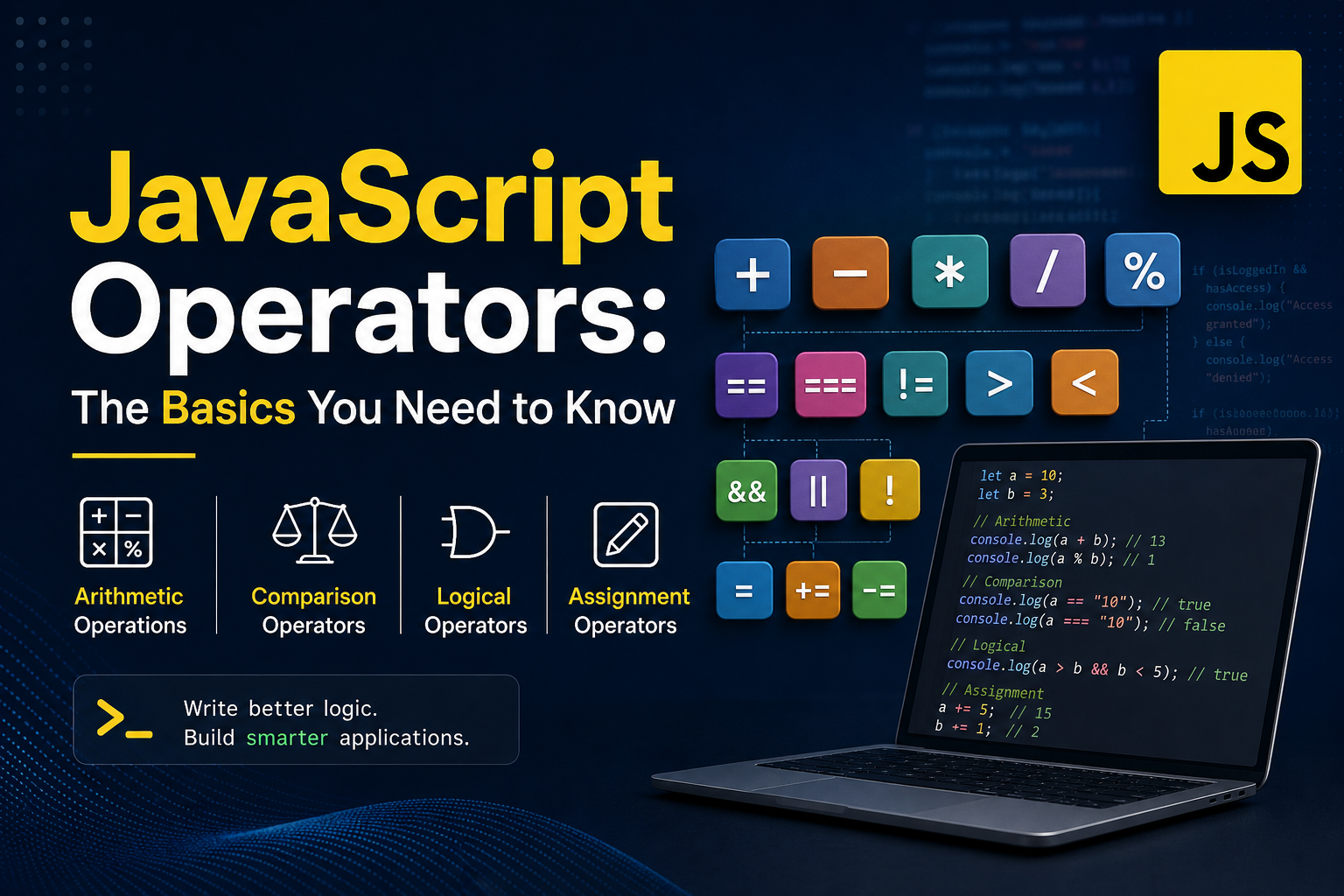
When you write JavaScript, you are constantly asking the language to do something — add numbers, compare values, decide between conditions, or update variables.
The tools that make all of this possible are called operators.
This blog will take you from a clean beginner understanding to a level where you can confidently use operators in real-world code, interviews, and production systems.
What Are Operators?
In simple terms:
Operators are symbols that perform operations on values (operands).
Think of operators as actions.
let result = 5 + 3;
5and3→ operands+→ operatorResult →
8
Operators answer questions like:
Can I combine values?
Can I compare them?
Can I update variables efficiently?
Can I make decisions?
Core Categories of JavaScript Operators
Here’s a mental map you should keep:
| Category | Purpose |
|---|---|
| Arithmetic | Math operations |
| Comparison | Compare values |
| Logical | Combine conditions |
| Assignment | Store/update values |
1. Arithmetic Operators
These are the most familiar — basic math.
Operators
| Operator | Meaning |
|---|---|
+ |
Addition |
- |
Subtraction |
* |
Multiplication |
/ |
Division |
% |
Modulus |
Example 1: Basic Math
let a = 10;
let b = 3;

console.log(a + b); // 13
console.log(a - b); // 7
console.log(a * b); // 30
console.log(a / b); // 3.333...
console.log(a % b); // 1
Why % (Modulus) Matters
Most beginners ignore %, but it's powerful.
// Check if number is even
let num = 8;

if (num % 2 === 0) {
  console.log("Even number");
}
Used heavily in:
Interview questions
Data grouping
Pagination logic
Game logic
2. Comparison Operators
These operators compare two values and return true or false.
Operators
| Operator | Meaning |
|---|---|
== |
Equal (loose) |
=== |
Equal (strict) |
!= |
Not equal |
> |
Greater than |
< |
Less than |
The Most Important Concept: == vs ===
This is where most bugs happen.
== (Loose Equality)
- Converts types before comparing
console.log(5 == "5"); // true
Why? Because JavaScript converts "5" → 5
=== (Strict Equality)
- No type conversion
console.log(5 === "5"); // false
Because:
- number !== string
Real Insight
Always prefer
===in production code.
Why?
Predictable behavior
No hidden conversions
Fewer bugs
Example: Real Bug Scenario
let input = "";

if (input == 0) {
  console.log("Matched"); // runs unexpectedly
}
Using ===:
if (input === 0) {
  console.log("Matched"); // correct behavior
}
3. Logical Operators
Used when you need to combine multiple conditions.
Operators
| Operator | Meaning | ||
|---|---|---|---|
&& |
AND | ||
| ` | ` | OR | |
! |
NOT |
Truth Table (Core Understanding)
AND (&&)
| A | B | Result |
|---|---|---|
| true | true | true |
| true | false | false |
| false | true | false |
| false | false | false |
OR (||)
| A | B | Result |
|---|---|---|
| true | true | true |
| true | false | true |
| false | true | true |
| false | false | false |
NOT (!)
console.log(!true);  // false
console.log(!false); // true
Real-World Example
let age = 22;
let hasID = true;

if (age > 18 && hasID) {
  console.log("Allowed entry");
}
OR Example
let isAdmin = false;
let isModerator = true;

if (isAdmin || isModerator) {
  console.log("Access granted");
}
4. Assignment Operators
Used to assign and update values.
Basic Assignment
let x = 10;
Compound Assignment
| Operator | Meaning |
|---|---|
+= |
Add and assign |
-= |
Subtract assign |
Example
let score = 50;

score += 10; // 60
score -= 20; // 40

console.log(score);
Why This Matters
Instead of writing:
score = score + 10;
You write:
score += 10;
Cleaner. Faster to read. Industry standard.
Putting It All Together (Real Scenario)
let price = 100;
let discount = 20;
let isMember = true;

// Apply discount
price -= discount;

// Check eligibility
if (price > 50 && isMember) {
  console.log("Final price:", price);
}
Assignment Practice (Must Try)
1. Arithmetic Task
let num1 = 15;
let num2 = 4;

console.log("Add:", num1 + num2);
console.log("Subtract:", num1 - num2);
console.log("Multiply:", num1 * num2);
console.log("Divide:", num1 / num2);
console.log("Remainder:", num1 % num2);
2. Comparison Task
let value1 = 10;
let value2 = "10";

console.log(value1 == value2);  // true
console.log(value1 === value2); // false
3. Logical Task
let isLoggedIn = true;
let hasSubscription = false;

if (isLoggedIn && hasSubscription) {
  console.log("Premium access");
} else {
  console.log("Basic access");
}
Operator Flow (Mental Model)
Input Values
     ↓
Apply Operator
     ↓
Evaluate Result
     ↓
Use in Condition / Output
From Beginner to Real-World Thinking
At a deeper level, operators are not just syntax — they define logic behavior.
In Business Code:
Arithmetic → Pricing systems
Comparison → Validation logic
Logical → Access control
Assignment → State updates
Example: E-commerce Logic
let cartTotal = 500;
let isPremiumUser = true;

// Apply premium discount
if (isPremiumUser && cartTotal > 300) {
  cartTotal -= 50;
}

console.log("Payable:", cartTotal);
Key Takeaways
Operators are the core building blocks of logic
Always prefer
===over==Logical operators control real-world decisions
Assignment operators improve readability
%is more useful than it looks
Final Thought
If JavaScript is a language, then operators are its verbs.
They make your code do something meaningful.
Mastering operators doesn’t just improve your syntax — it sharpens your thinking process as a developer.


